Resolve blueprint
A node tree built to be adjusted, not copied blindly
Normalize camera originals into DaVinci Wide Gamut / DaVinci Intermediate with Resolve Colour Management or a documented input CST, and give miniature, backing and painted elements their own input transforms. Place exposure from faces and from the brightest painted surface that must keep its colour — a pink façade, a white habit, snow — before any palette work.
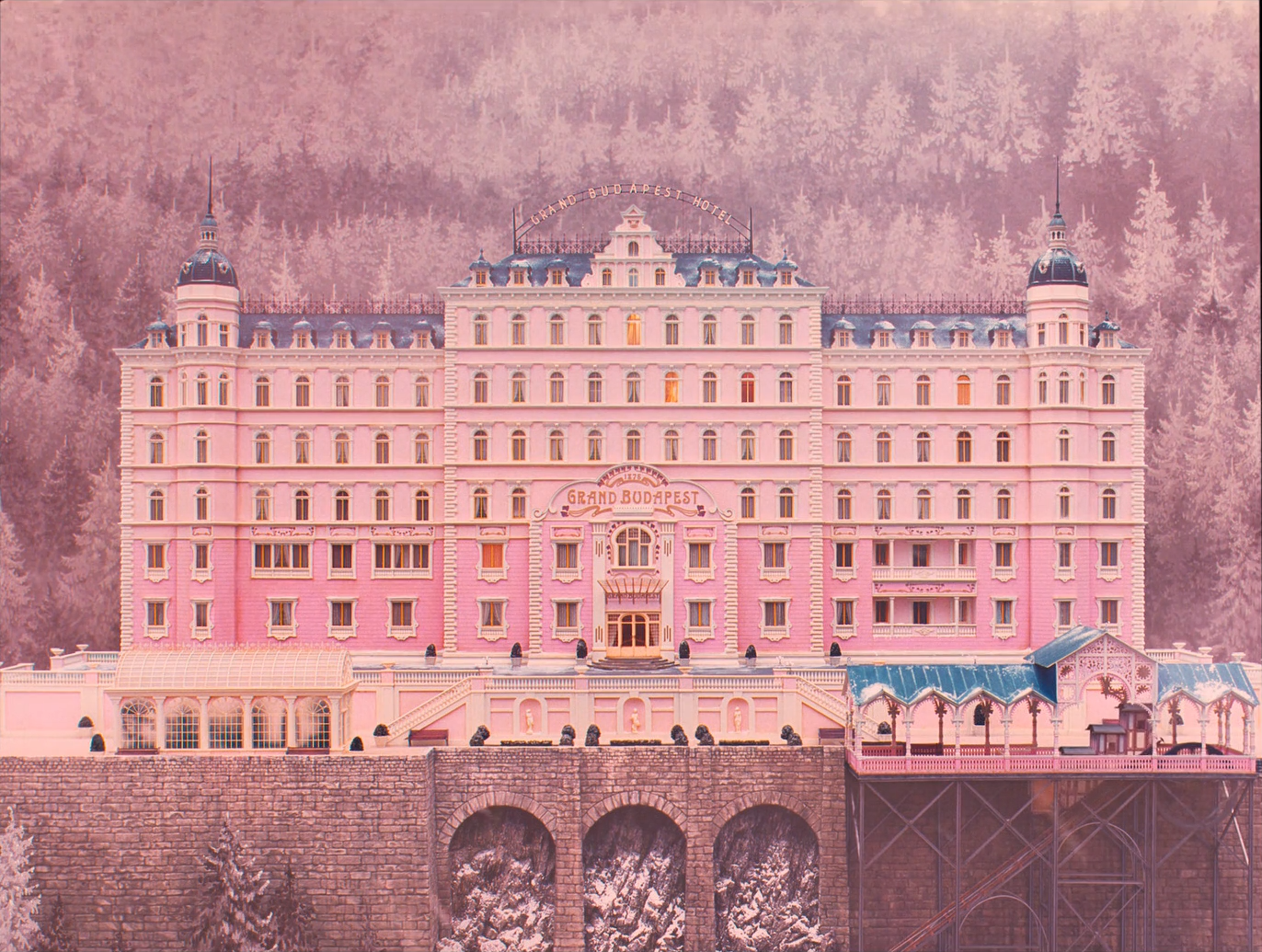
The film's palette is art-directed, so the graph is built to protect rather than to create: separate branches keep painted surfaces, skin and practical light at independent density, and the most important global operation is a gamut-aware saturation limit that lets reds and purples be as strong as the set made them without clipping a channel. Suggested settings are starting ranges for suitable log or raw footage, never recovered originals.
Group Pre-ClipG01
Input transform
Normalize camera, miniature and backing sources correctly before judging painted colour.
Do this
- Decode raw from camera metadata, or transform documented log or scan data into DaVinci Wide Gamut / DaVinci Intermediate.
- Give miniature, painted backing and process plates their own input transforms before compositing.
- If project colour management already performs the IDT, omit this node rather than doubling it.
Starting points
- Keep creative tone mapping out of the input stage; display mapping belongs in G13.
- For comparison with the reference PNGs only, use Rec.709 gamma 2.4 as an explicit assumption.
Watch
- A wrong input transform moves saturated reds and purples outside the working gamut before any grading.
- Confirm data/video levels before treating a lifted black as intentional.
Clip · serialG02
Exposure and neutral anchor
Place exposure from faces and from the brightest painted surface that must keep its colour, and balance from real neutrals rather than from the dominant set colour.
Do this
- Use Offset for exposure, then HDR or Log wheels for zone placement.
- Balance from whites — shirts, habits, snow, table linen — never from a painted wall.
- Set faces from their lit side.
Starting points
- Begin within about ±0.3 stop on well-exposed log material.
- Keep temperature and tint corrective.
Watch
- Auto-balance on a red or pink room removes the room.
- Exposing for a pale façade leaves the faces in adjacent shots too dark.
Clip · serialG03
Soft storybook contrast
Keep contrast moderate and the shoulder soft, so pastel and saturated surfaces read as painted objects rather than lit ones.
Do this
- Use a gentle S with a soft shoulder in HDR or Custom Curves.
- Hold whites just below clipping with a trace of their surrounding colour.
- Keep blacks dense but not crushed; the film's darks are coloured, not empty.
Starting points
- Try contrast around 1.05–1.15 with pivot 0.42–0.48.
- Use soft clip as a final guard for skies and snow.
Watch
- A hard shoulder turns pastel pink into flat paper.
- Crushed blacks remove purple from uniforms in shadow.
Clip · serialG04
Gamut-aware saturation ceiling
Let painted colour be as strong as the set made it while keeping every channel inside its range, so reds stay red and purples stay purple.
Do this
- Use Sat vs Sat or a soft gamut compression to roll off only the most saturated values.
- Check the red channel on red and orange walls and the blue channel on purples.
- Do not lower global saturation to fix one surface.
Starting points
- Start compressing above roughly 80% of the working saturation, with a soft knee.
- Monitor with the RGB parade, not only the vectorscope.
Watch
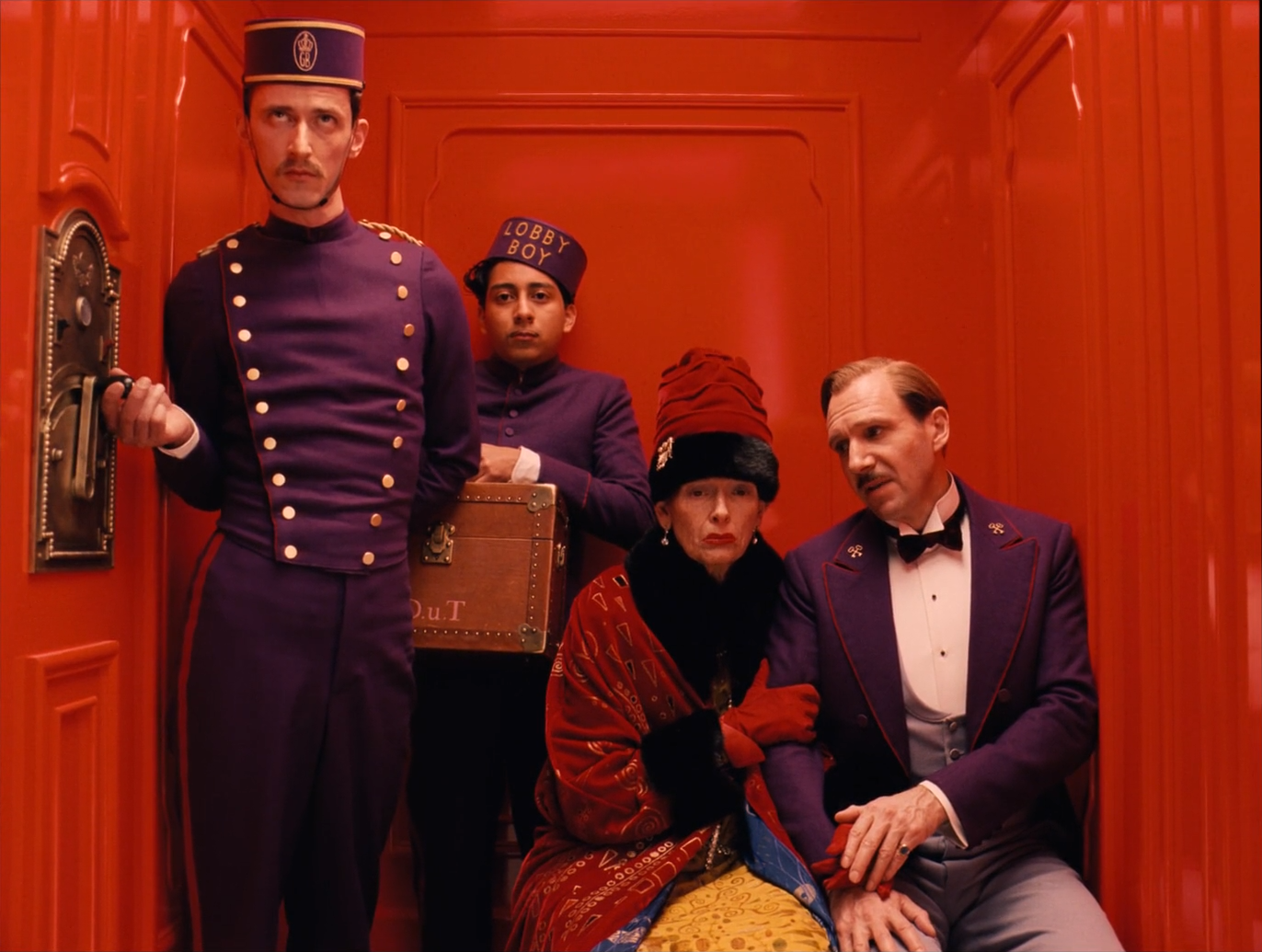
- A clipped red channel turns elevator red orange and flat.
- Global desaturation to solve a single wall dulls the whole film.
Clip · parallelG05
Painted-surface palette
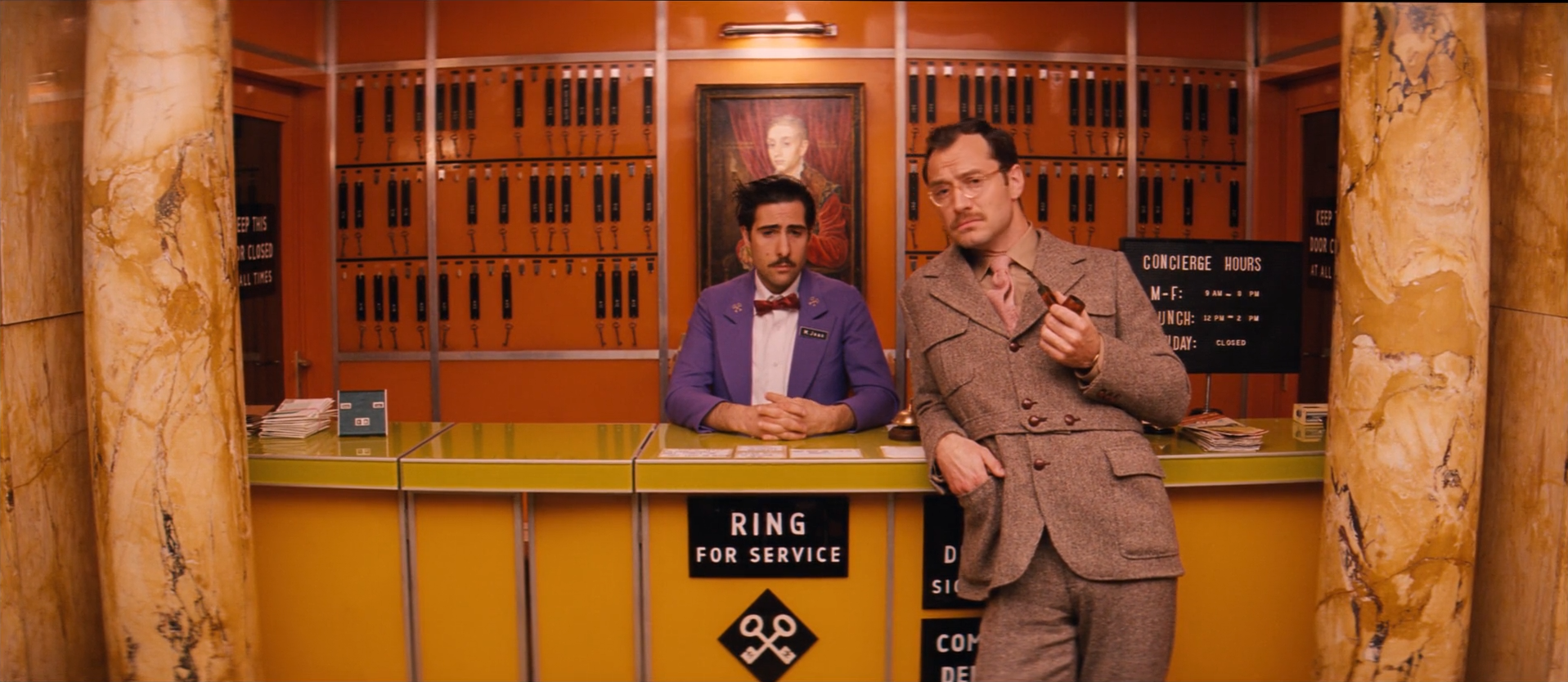
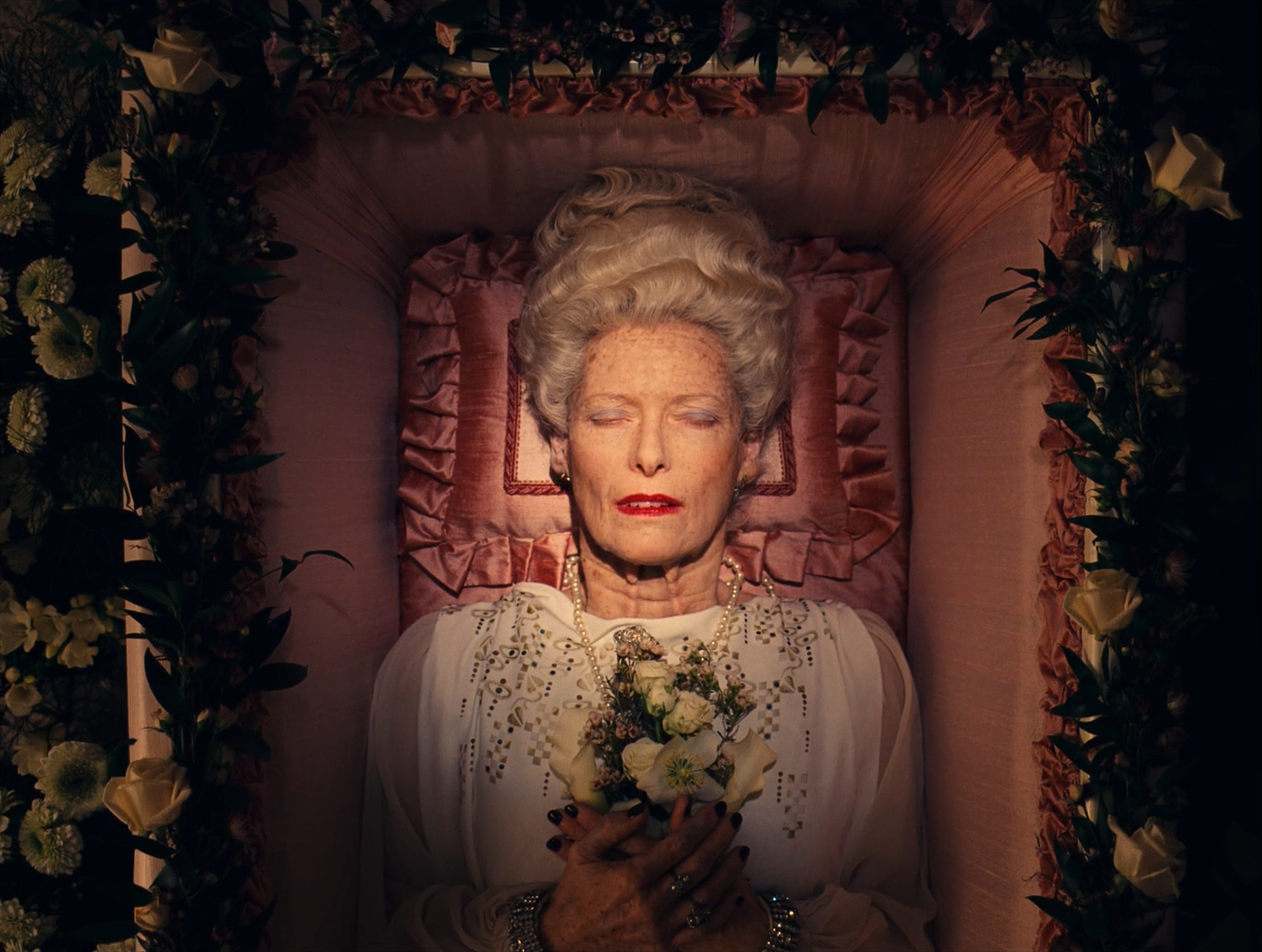
Hold each era's family — pink, red and purple in 1932; orange, ochre and avocado in 1968 — at its own density.
Do this
- Use Hue vs Hue and Hue vs Sat in narrow ranges only to tidy stray hues, never to create the main colours.
- Key dominant walls separately when their density must change.
- Keep gold and brass from drifting toward green or orange.
Starting points
- Move hues by no more than 3–8° and saturation by 5–15%.
- Match each surface across a scene, not across the film.
Watch
- A hue move meant for the wall catching skin or wardrobe of a similar hue.
- Pink drifting toward salmon or magenta between shots.
Clip · parallelG06
Skin inside coloured rooms
Keep faces readable and believable when the light on them has bounced off red, pink or orange surfaces.
Do this
- Key skin with a soft HSL qualifier intersected with face windows.
- Reduce only the excess bounce colour on the face; do not neutralize it completely.
- Protect red lips and makeup from the skin correction.
Starting points
- Reduce saturation 10–20% inside the face key and move hue a few degrees toward normal skin.
- Adjust lit-side density by 0.1–0.25 stop.
Watch
- Faces neutralized to a daylight skin look pasted into a red room.
- A skin key that spreads into orange or pink walls.
Clip · parallelG07
Practical, window and night light
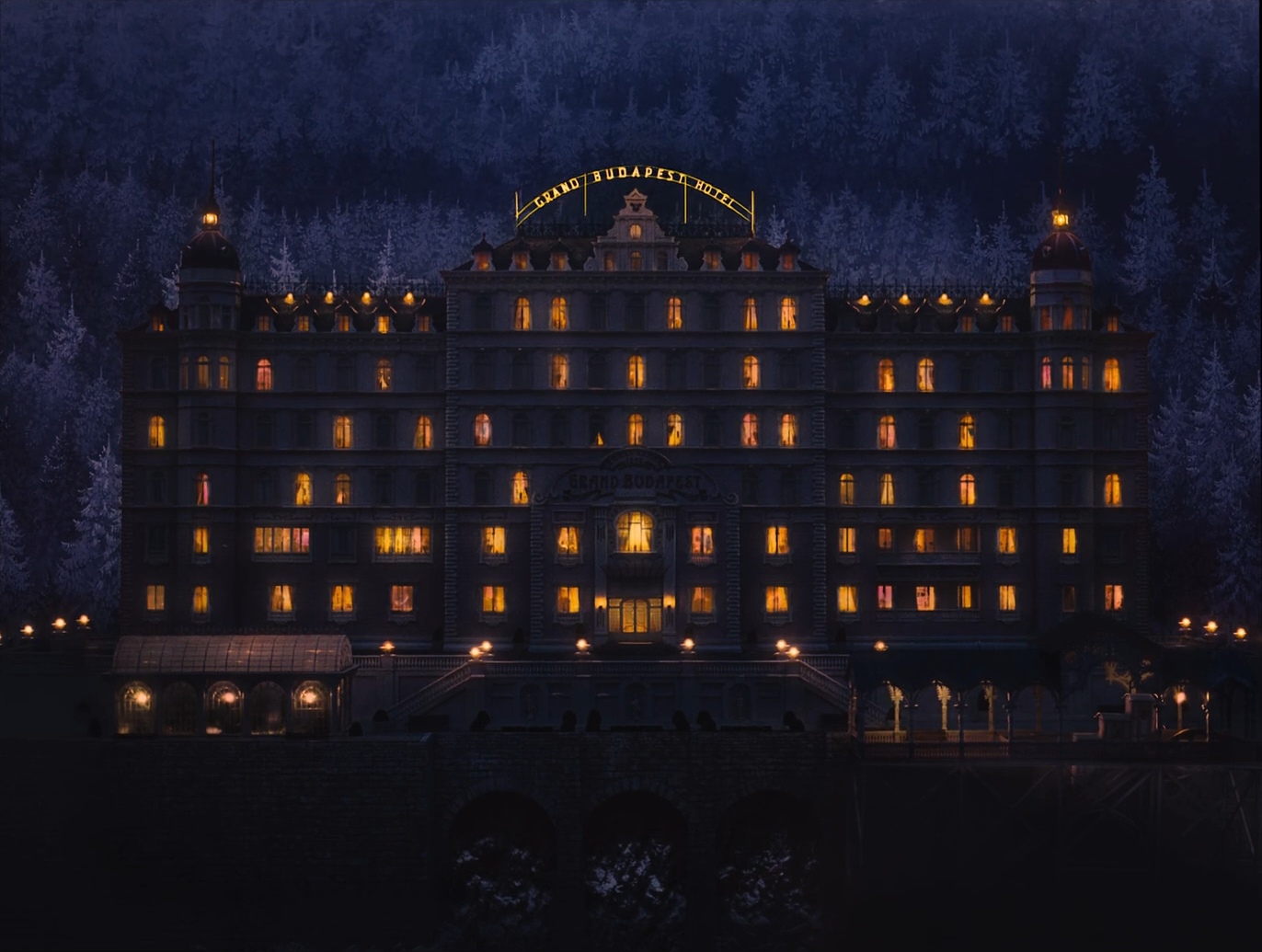
Hold lamps, lit windows and neon as warm sources against blue night or cool fluorescent interiors.
Do this
- Key practicals and lit windows; adjust density and hue separately from their surround.
- At night, keep windows gold and the ambient deep blue.
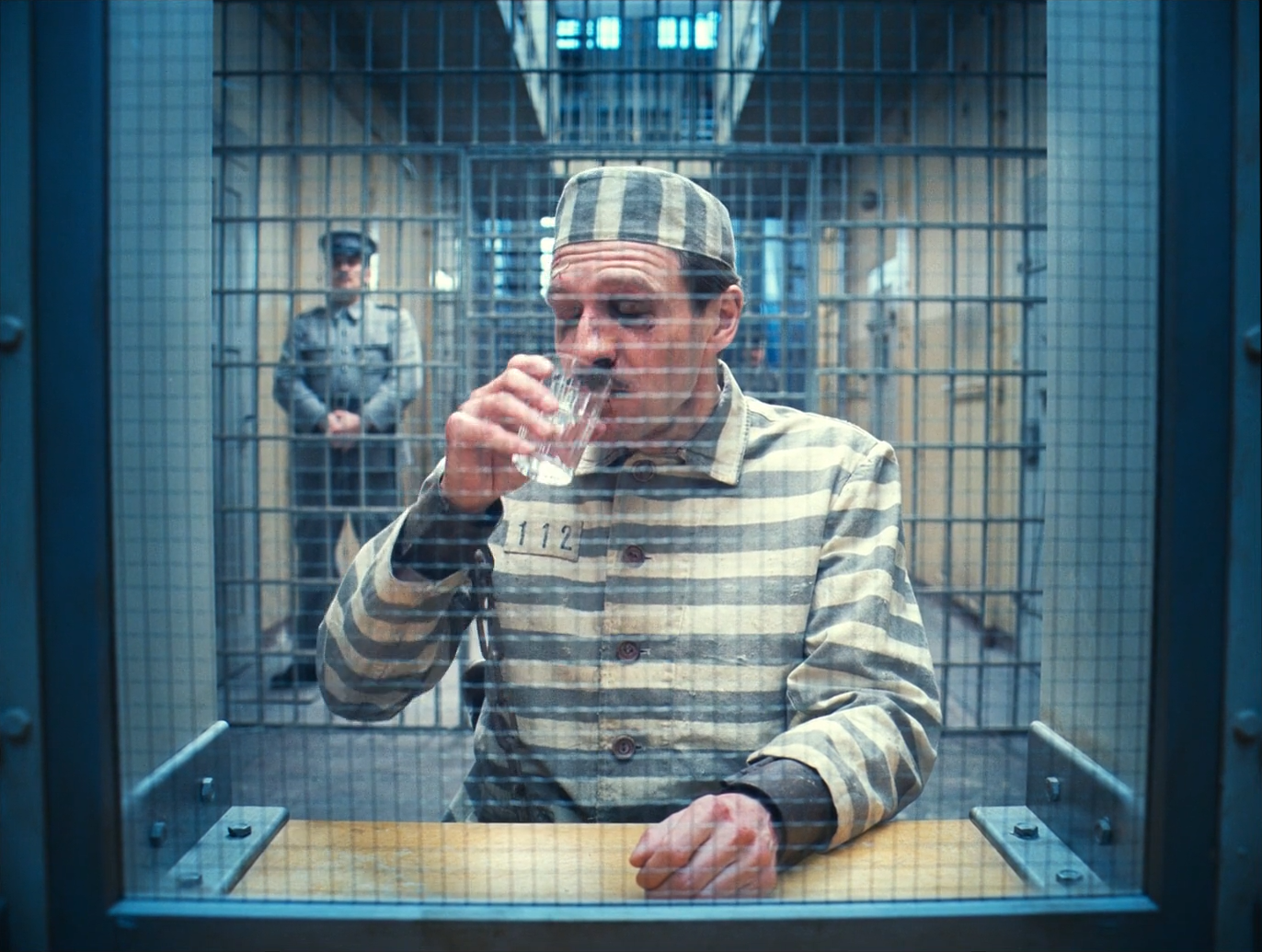
- Under fluorescent light, keep the cool cast in walls while protecting a little warmth in skin.
Starting points
- Start with −0.2 to −0.5 stop inside practical keys.
- Hue moves of ±5–10° inside the key.
Watch
- Windows clipping into white rectangles.
- Neutralizing a cool interior until it loses its temperature.
Clip · parallelG08
Snow and exterior field
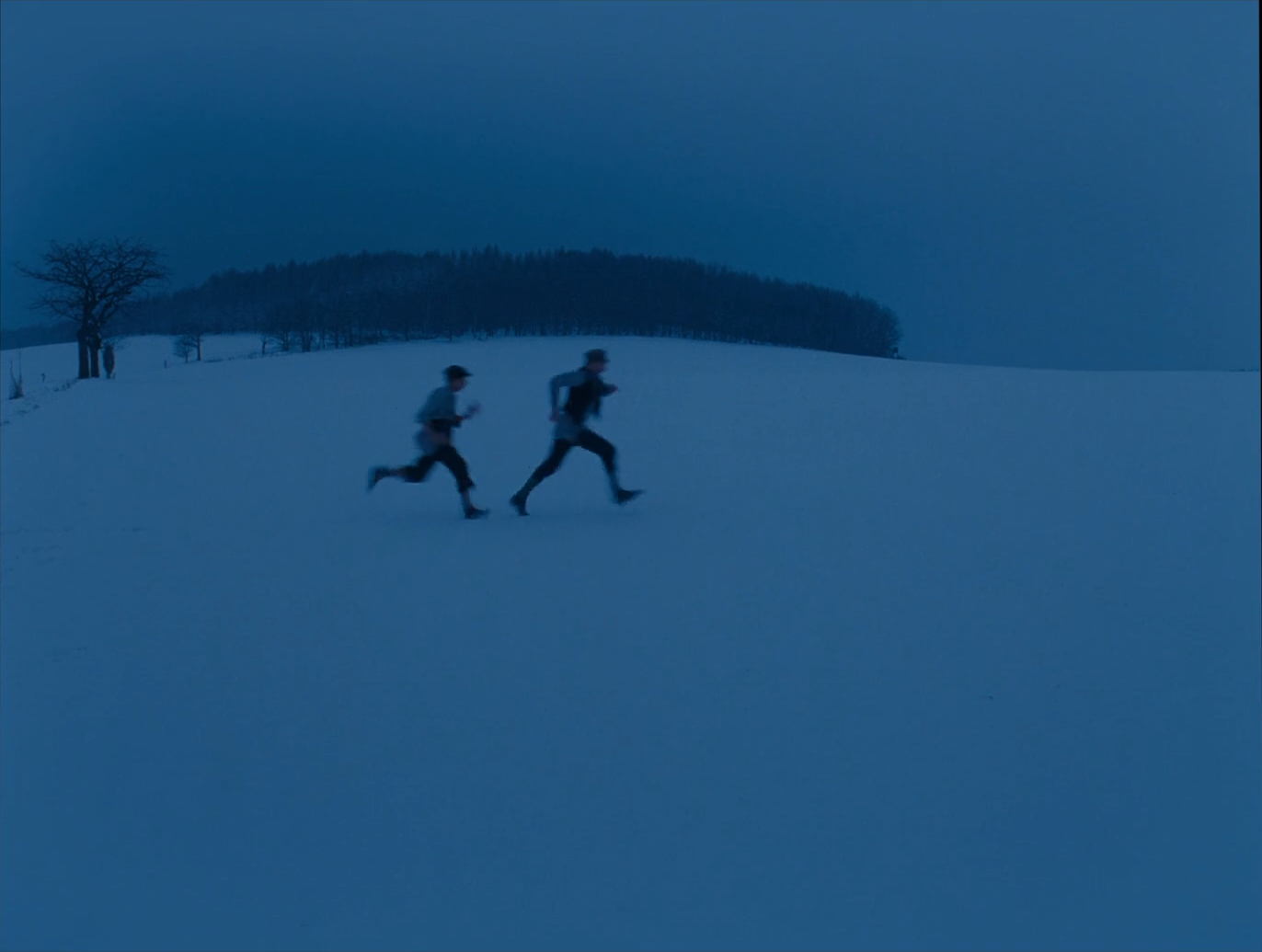
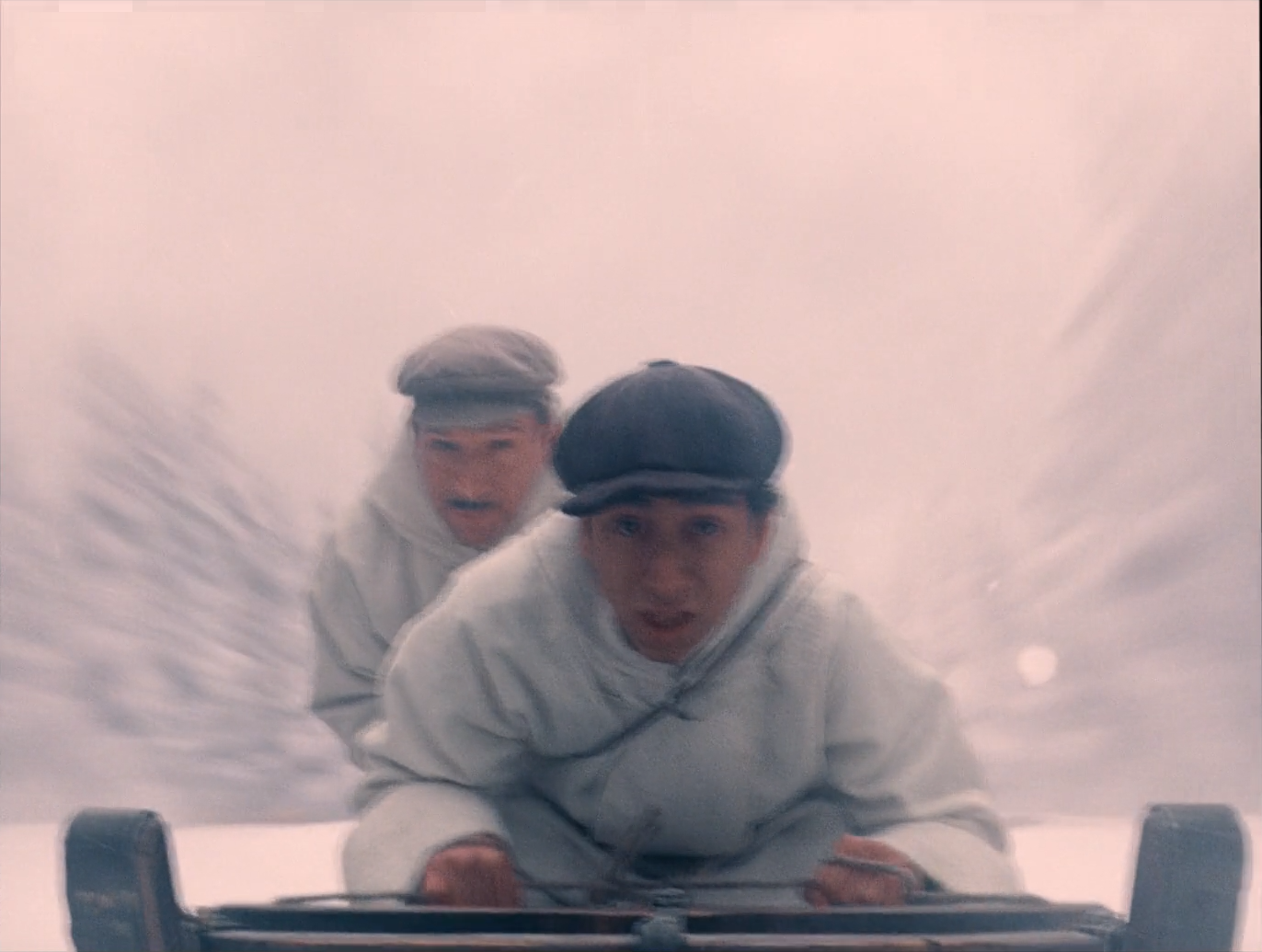
Place snow as a field whose colour carries the scene — blue at dusk, pink-white in the chase — at a density that keeps texture.
Do this
- Luminance key on snow and sky; move hue and density on their own.
- Keep figures and trees out of the key edge.
- Decide the snow's colour per scene from the story, then match within the scene.
Starting points
- Start with −0.2 to −0.5 stop on snow fields and a soft 5–10 px edge.
- For blue dusk, reduce exposure before adding blue.
Watch
- Snow clipping to white and losing its colour.
- Halos around figures against snow.
Clip · serialG09
Local light shaping and hierarchy
Guide attention with soft windows through symmetrical, busy frames: lift the faces that lead, quiet large bright surfaces.
Do this
- Soft tracked windows on faces and on dominant bright walls.
- Keep symmetrical compositions balanced; asymmetric window moves are very visible here.
Starting points
- Start with +0.1 to +0.25 stop on face windows and −0.1 to −0.3 stop on distracting walls.
- Feather windows generously, 30–60% of window size.
Watch
- An off-centre darkening that breaks a symmetrical frame.
- Visible window drift on moving heads.
Clip · serialG10
Luminance-dependent saturation
Keep colour believable at the ends of the scale: rich colour in the mids, slightly less in deep shadow and near-white.
Do this
- Use Lum vs Sat to reduce chroma in the deep toe and in near-white highlights.
- Keep the mids carrying the palette's strength.
- Check pale façades and snow for hue shifts as they approach white.
Starting points
- Start with 10–25% saturation reduction below about 8% luma and above about 90%.
- Watch purples in shadow; they fall to blue first.
Watch
- Coloured noise in dark uniforms.
- Pink façades turning magenta near white.
VFX / Clip · parallelG11
Miniature, backing and process integration
Put miniatures, painted backings and process plates on the same palette, softness and grain as the live sets.
Do this
- Match element density, black and palette to adjacent live-action shots.
- Match softness and grain; a miniature often needs a touch of diffusion to scale.
- For process shots, match plate and foreground contrast and motion blur.
Starting points
- Start with element blacks at the live-action toe.
- Review at speed and frame by frame.
Watch
- A miniature sharper or cleaner than the live sets around it.
- Foreground and process plate with different black levels.
Clip · parallel · optionalG12
Texture and softness
Keep the film's gentle, slightly soft texture without blurring the fine pattern of wallpaper, uniforms and props.
Do this
- Add restrained grain after grading.
- Avoid strong sharpening; the patterns carry detail on their own.
- Starts bypassed.
Starting points
- Fine grain judged at 100% on faces and flat walls.
- Glow only for specific process or dream moments.
Watch
- Aliasing or moiré on patterned fabric after sharpening.
- Grain visible on some elements and not on others.
Group Post-ClipG13
Output transform and trim
Render the scene-referred grade to the calibrated delivery while keeping display-specific trims out of the shared look.
Do this
- Use Resolve Colour Management or a CST from DWG/Intermediate to the required gamut and transfer.
- Inspect reds, purples and pinks for gamut compression after the transform.
- Create separate SDR, HDR or alternate-display trims rather than changing the graph; keep each era's matte as a delivery decision, not a grade.
Starting points
- For comparison with the reference PNGs, monitor Rec.709 gamma 2.4 in a controlled surround.
- Use soft clip only as a final guard.
Watch
- A double output transform shifts the whole palette.
- Blocking and banding in saturated reds in the encoded deliverable.