Resolve blueprint
A node tree built to be adjusted, not copied blindly
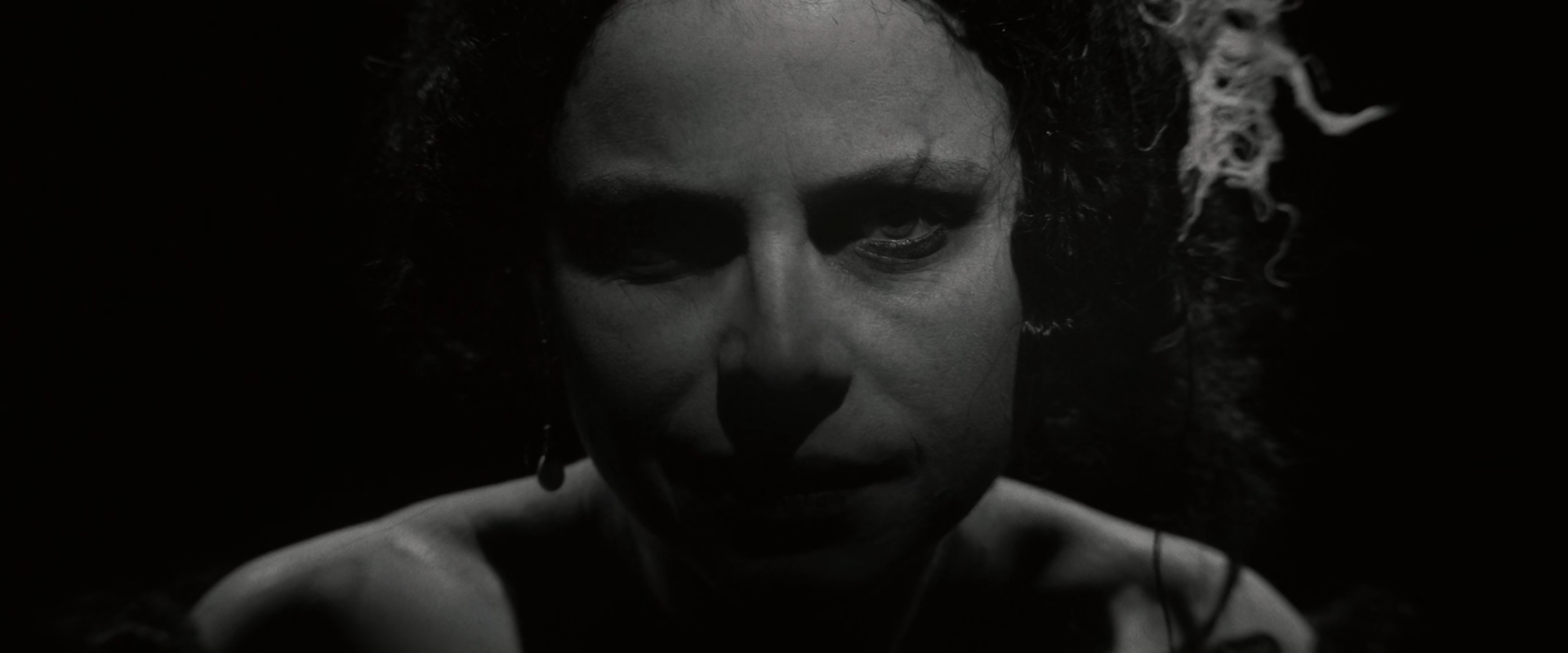
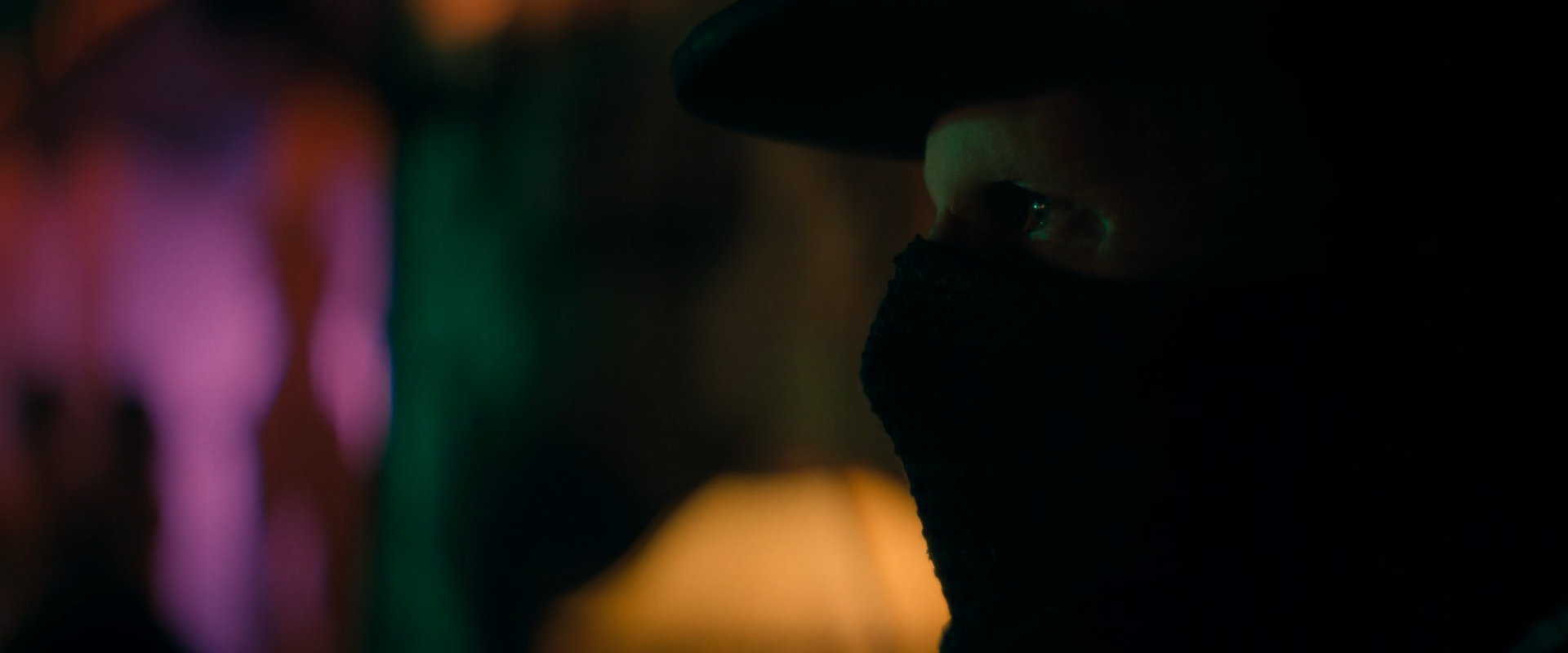
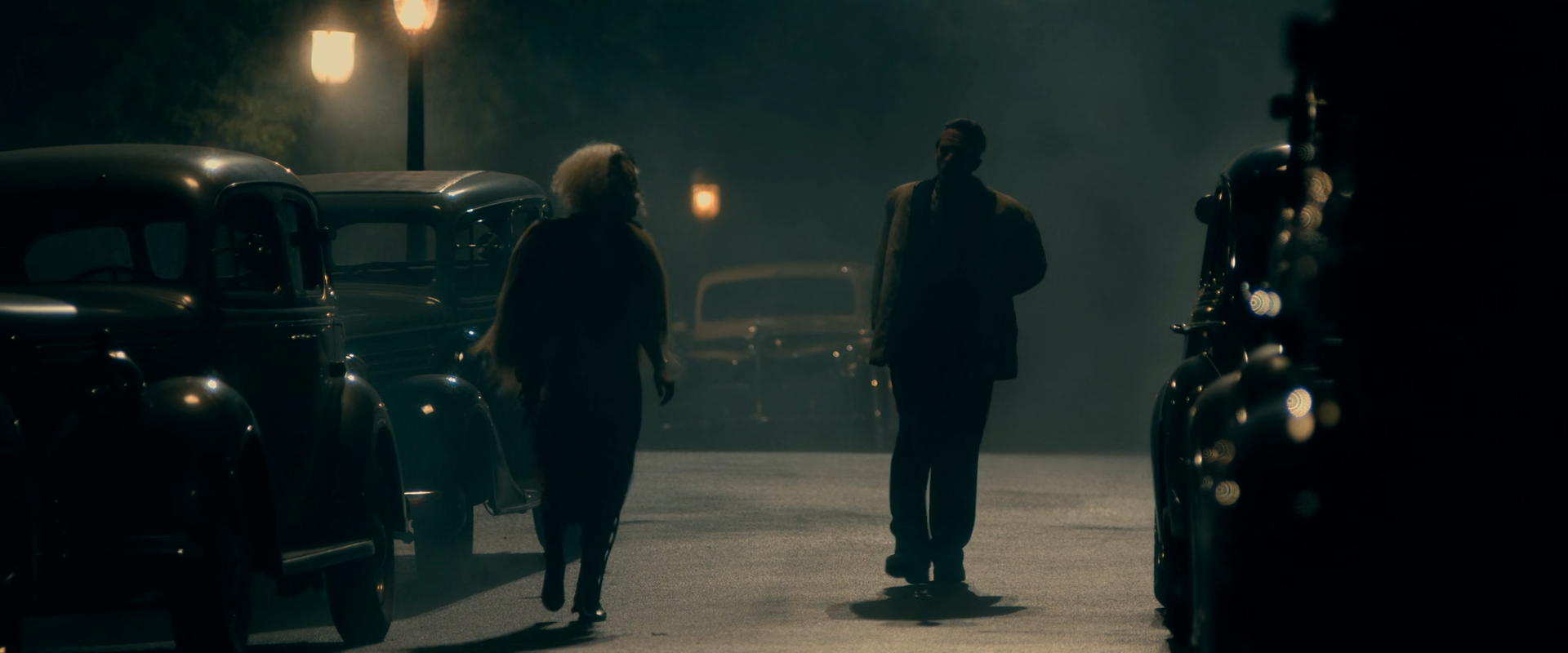
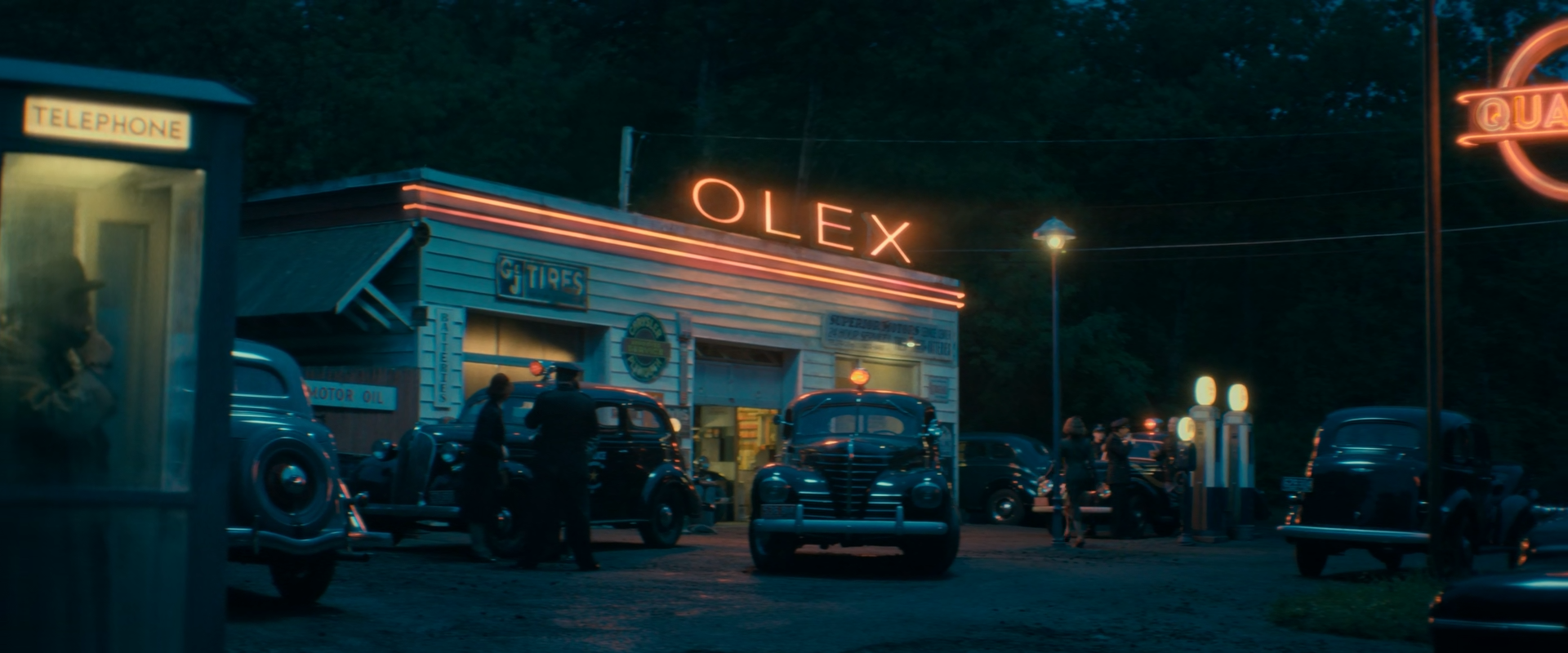
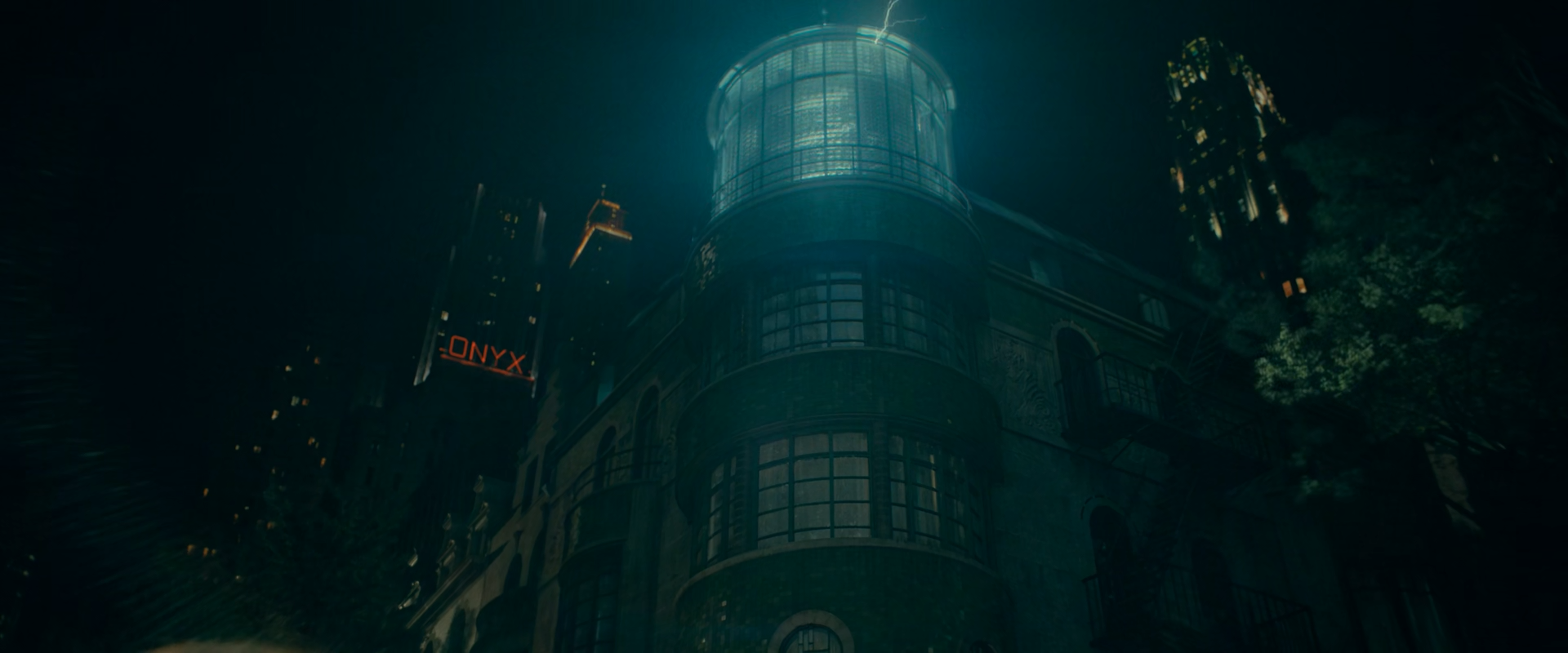
Normalize camera originals into DaVinci Wide Gamut / DaVinci Intermediate with Resolve Colour Management or a documented input CST. Then place black before anything else. In this film the floor is the look: most of the frame sits on it, and every subsequent decision — how far a face is lifted, how bright a lamp may bloom, how much colour survives in the dark — is measured from it.
Keep practical pools, skin and the ambient night colour in separable branches. The ambient teal-green or blue of the darkness and the warm or neon colour of each source are different lights and need independent density. Suggested settings are starting ranges for suitable log or raw footage, never recovered originals, and they assume a monitoring environment dark enough to judge L* 5.
Group Pre-ClipB01
Input transform
Normalize camera and VFX sources correctly before judging a black floor that most of the frame will sit on.
Do this
- Decode raw from camera metadata, or transform documented log data into DaVinci Wide Gamut / DaVinci Intermediate.
- Give CG, matte and plate elements their own input transforms before compositing.
- If project colour management already performs the IDT, omit this node rather than doubling it.
Starting points
- Keep creative tone mapping out of the input stage; display mapping belongs in B13.
- For comparison with the reference PNGs only, use Rec.709 gamma 2.4 as an explicit assumption.
Watch
- A wrong transfer or data/video levels error moves black by more than the whole shadow structure of these frames.
- Confirm levels before treating a lifted or crushed floor as intentional.
Clip · serialB02
Exposure from the pool
Place exposure from the lit subject inside each pool — a face, a lampshade, a spotlit dress — not from the frame average, which is dominated by black.
Do this
- Use Offset for exposure, then HDR Global or Log wheels for zone placement.
- Balance from any credible neutral inside the light, then let the ambient darkness keep its own colour.
- Never expose to raise the frame average; it is supposed to be low.
Starting points
- Begin within about ±0.3 stop on well-exposed log material.
- Read exposure on a face or practical with a waveform zoom, not on the full-frame histogram.
Watch
- Exposing for the average lifts the floor and turns black into grey.
- Auto-balance on the ambient removes the cool darkness the frames depend on.
Clip · serialB03
Black floor and toe
Set true black and shape a toe that keeps one or two steps of detail above it — hair, suit, a car roof — without lifting the floor.
Do this
- Set the floor with Lift or HDR Black; shape the toe separately with Custom Curves or HDR Shadow.
- Decide per scene what must stay above black (a silhouette edge, a lapel) and keep only that.
- Keep midtone contrast moderate; the pools supply contrast by themselves.
Starting points
- Place true black at or just above code zero of the delivery; keep dark costume one or two L* above it.
- Judge in a dark surround at the target peak; these frames cannot be graded in daylight.
Watch
- A lifted floor turns the whole film milky and exposes compression.
- A crushed toe removes the silhouette edges that describe space in the dark.
Clip · serialB04
Soft shoulder for small sources
Hold lamps, spotlights, neon and streetlamps just below clipping with a soft roll, so their small pools keep shape and colour.
Do this
- Shape a soft shoulder with HDR Highlight/Specular or a custom curve.
- Leave the sources bright relative to the frame; do not compress them toward the ambient.
- Use soft clip only as a final guard.
Starting points
- Start with a shoulder beginning around 80–85% of the scale.
- Check each source's core keeps its hue instead of going white.
Watch
- Clipped neon and bulbs turn into white shapes with coloured rims.
- Over-compressed sources stop reading as light.
Clip · parallelB05
Ambient night colour
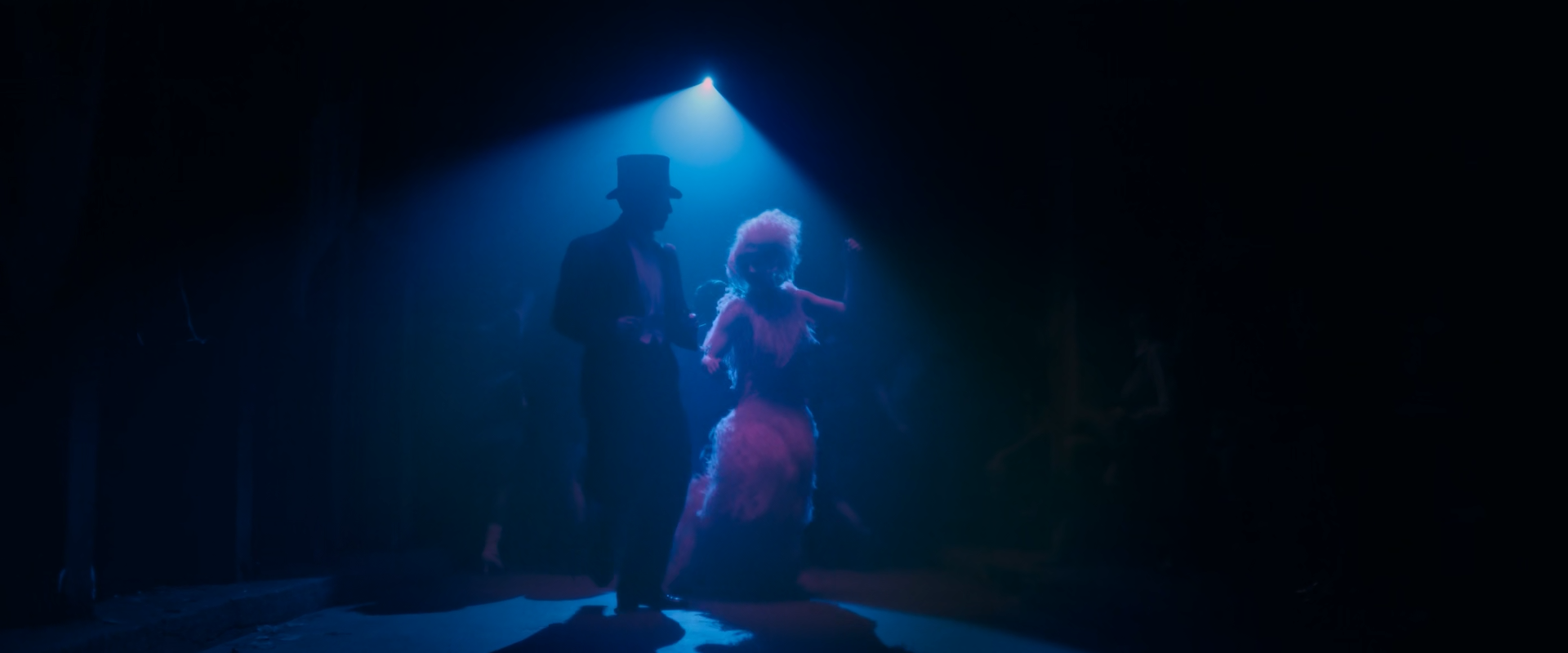
Give the darkness its own colour — teal-green in streets and exteriors, blue under a spot — separately from the sources.
Do this
- Key the dark ambient range with a luminance qualifier and move its hue and density on its own.
- Keep ambient chroma low; it colours a black, it does not replace it.
- Exclude practicals, skin and their pools from the ambient key.
Starting points
- Start with small hue moves in the lower midtones and 10–20% less saturation in the deepest toe.
- Judge the ambient on the vectorscope at high zoom, since most of its pixels are near centre.
Watch
- An ambient key that reaches skin turns faces green.
- A saturated ambient turns black into coloured noise.
Clip · parallelB06
Skin in the dark
Protect skin density and hue inside warm or cold light, and keep faces the brightest broad surface after the practicals.
Do this
- Key skin with a soft HSL qualifier intersected with face windows; adjust lit-side density only.
- Keep the shadow side of each face falling into the floor.
- Under a coloured source (blue spot, neon) keep skin carrying that light rather than neutralizing it.
Starting points
- Adjust skin by 0.1–0.25 stop and a few degrees of hue.
- Track windows on moving heads through the whole shot.
Watch
- A skin key that grabs warm walls or lampshades lifts the whole pool.
- Neutralizing a face under coloured light makes it look pasted in.
Clip · parallelB07
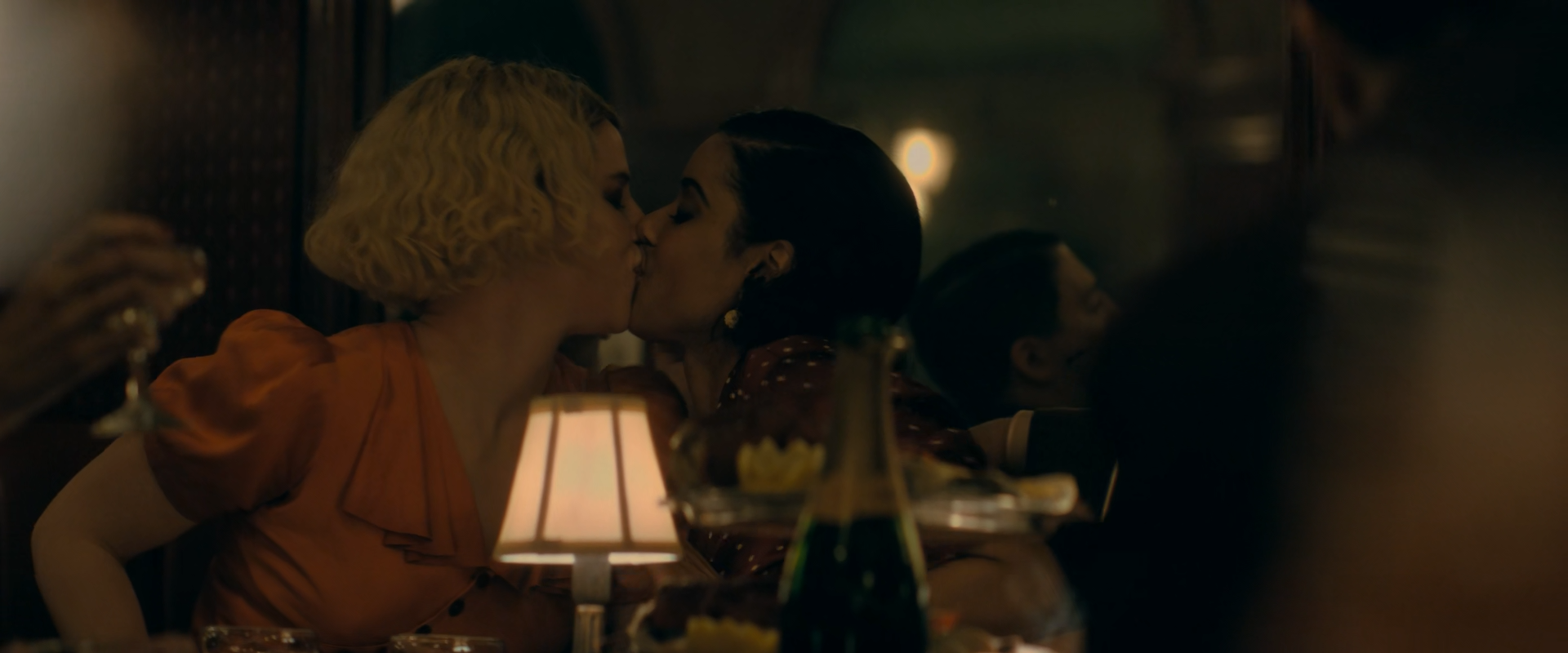
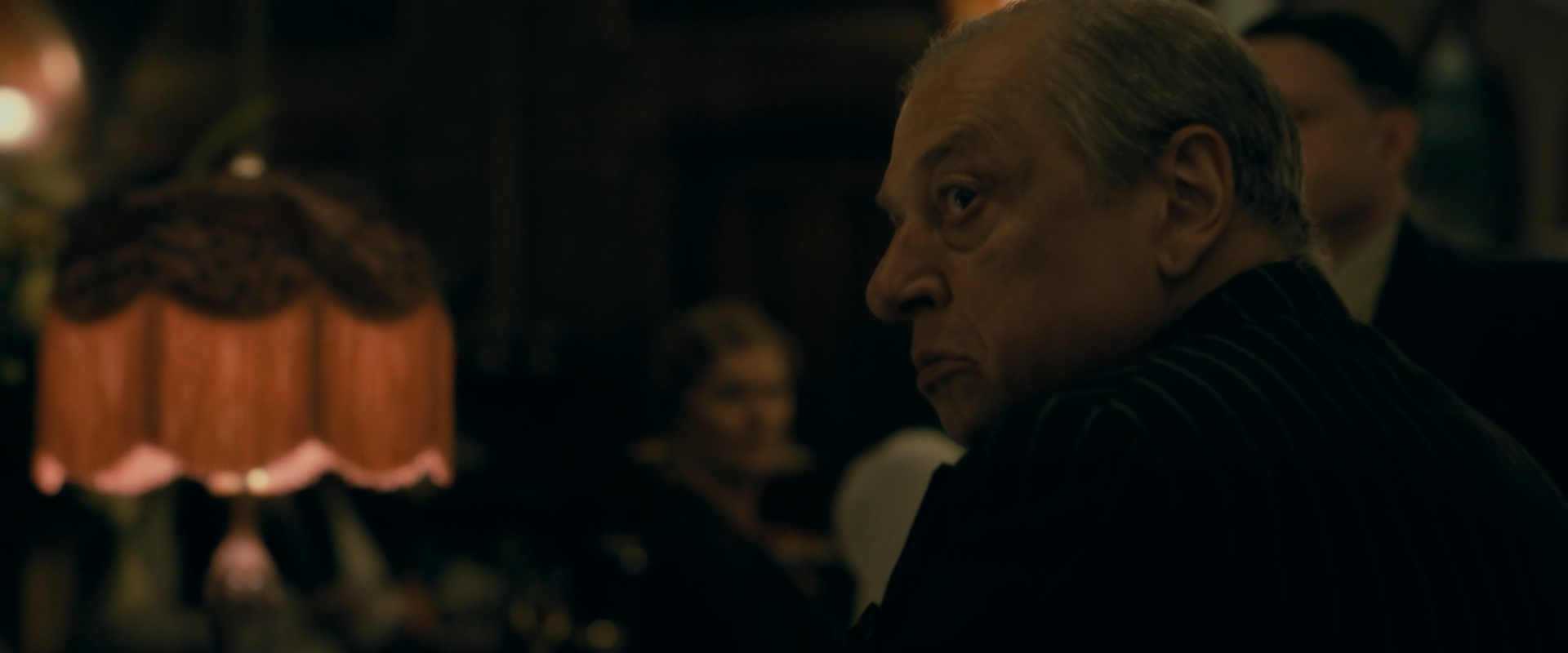
Practical pools
Hold each practical — table lamp, fringed shade, spotlight, sign — at its own density and colour, with its falloff into black intact.
Do this
- Key the source and its pool; adjust density and hue separately from the surround.
- Keep the falloff gradient; it is the only evidence of space in many frames.
- Let warm practicals stay warm against a cool ambient.
Starting points
- Start with −0.2 to −0.5 stop inside the practical key and a wide soft edge.
- Small hue moves only, ±5–10°.
Watch
- A hard key on a falloff edge produces a visible ring.
- Brightening a lamp's pool until the room fills with light.
Clip · parallelB08
Neon and narrow-spectrum sources
Keep neon, sodium and coloured spots as saturated sources without letting their colour bleed into the whole frame.
Do this
- Key each neon colour separately; reduce density at the core, keep hue.
- Check the red, orange and magenta channels for clipping before adding saturation.
- Keep spill on nearby faces and cars at a believable fraction of the source.
Starting points
- Start with 10–20% less saturation in the core and a soft 5–10 px edge.
- Review defocused neon for chroma noise at full resolution.
Watch
- Neon cores clipping a single channel and shifting hue.
- Spill graded up until everything takes the sign's colour.
Clip · serialB09
Local light shaping
Shape attention with soft windows that follow the real light: lift eyes and the lit plane, deepen distracting mid-grey surfaces.
Do this
- Use soft tracked windows on faces and on the few bright distracting surfaces.
- Deepen large areas only where the photography already places darkness.
Starting points
- Start with +0.1 to +0.25 stop on a face window and −0.2 to −0.4 stop on distracting surround.
- Feather generously; hard windows are obvious against black.
Watch
- Visible window edges on a black background.
- Window drift on moving heads.
Clip · parallel · optionalB10
Haze and atmosphere
Keep practical haze visible as a lifted veil around sources without letting it lift the whole floor.
Do this
- Key haze by luminance in the mid-shadows and adjust density and colour on its own.
- Preserve the veil around lamps and beams; it is what makes a beam a beam.
- Starts bypassed; enable only where haze is in shot.
Starting points
- Start with small density moves, ±0.1–0.2 stop.
- Match haze colour to the ambient, not to the sources.
Watch
- Haze key lifting black everywhere.
- Banding in smooth haze gradients.
Clip · serialB11
Deep-shadow chroma and noise
Keep near-black clean: low chroma, controlled noise, no banding.
Do this
- Use Lum vs Sat to desaturate the deepest toe.
- Apply temporal noise reduction before the grade where the source needs it, with care on faces.
- Add fine grain after grading to break up banding in dark gradients.
Starting points
- Start with 20–40% saturation reduction below about 5% luma.
- Temporal NR frames 2–3, low motion estimation thresholds; review faces at 100%.
Watch
- Coloured noise in black costume and night sky.
- Waxy faces from aggressive noise reduction.
VFX / Clip · parallelB12
VFX and set-extension integration
Match CG buildings, skies and extensions to the plate's black, haze and grain before the look is applied.
Do this
- Match element black to the plate's toe and element haze to the plate's atmosphere.
- Add grain and softness matched to the plate.
- Check edges in the dark where mattes are hardest to see and easiest to get wrong.
Starting points
- Start with element black at the plate's floor.
- Review at speed and frame by frame.
Watch
- An element whose black is cleaner than the plate's.
- Mismatched grain between plate and element.
Group Post-ClipB13
Output transform and trim
Render the scene-referred grade to the calibrated delivery while keeping display-specific trims out of the shared look.
Do this
- Use Resolve Colour Management or a CST from DWG/Intermediate to the required gamut and transfer.
- Inspect the floor, neon and haze gradients after the transform and after encoding.
- Create separate SDR, HDR or alternate-display trims rather than changing the scene-referred graph.
Starting points
- For comparison with the reference PNGs, monitor Rec.709 gamma 2.4 in a dark, controlled surround.
- Test an 8-bit encode of the deliverable before approval.
Watch
- A double output transform lifts or crushes the floor.
- Banding and blocking in near-black once encoded.